How to Set Up an Automatic Savings Transfer (10-minute Set-Up)
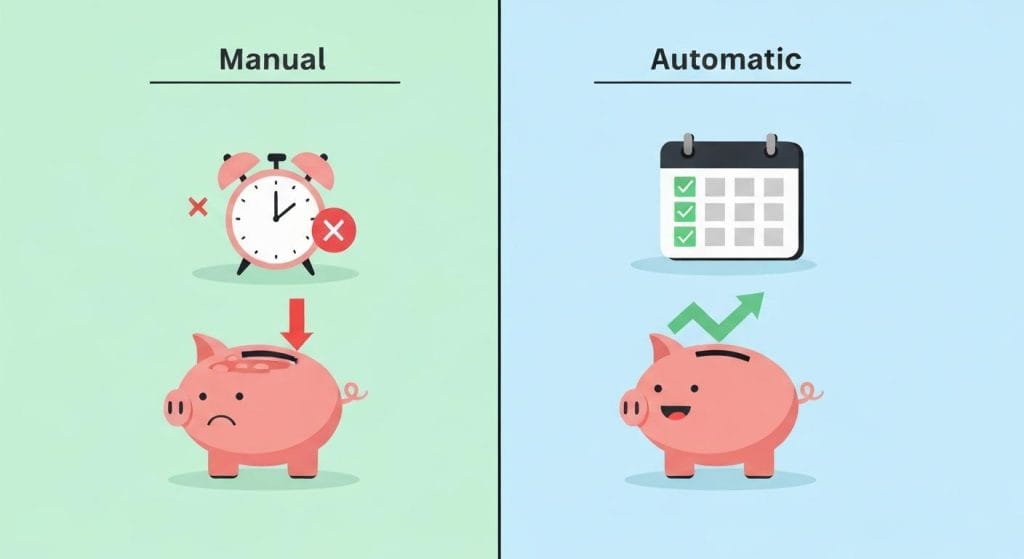
I used to set a recurring reminder on my phone every payday that said “TRANSFER MONEY TO SAVINGS.” Every two weeks it would buzz, I would swipe it away, tell myself I would do it after dinner, and then I would forget.
By Sunday, the money was already gone, eaten alive by groceries, gas, and one or two impulse Amazon orders. I did this for almost a year before I admitted the truth. I was not lazy. I was just relying on the wrong thing. I was relying on me.
The fix was so small it felt embarrassing. I set up an automatic savings transfer inside my bank, picked an amount, picked a date, and never had to think about it again. Six months later, my savings account had more money in it than it had collected in the previous three years combined.
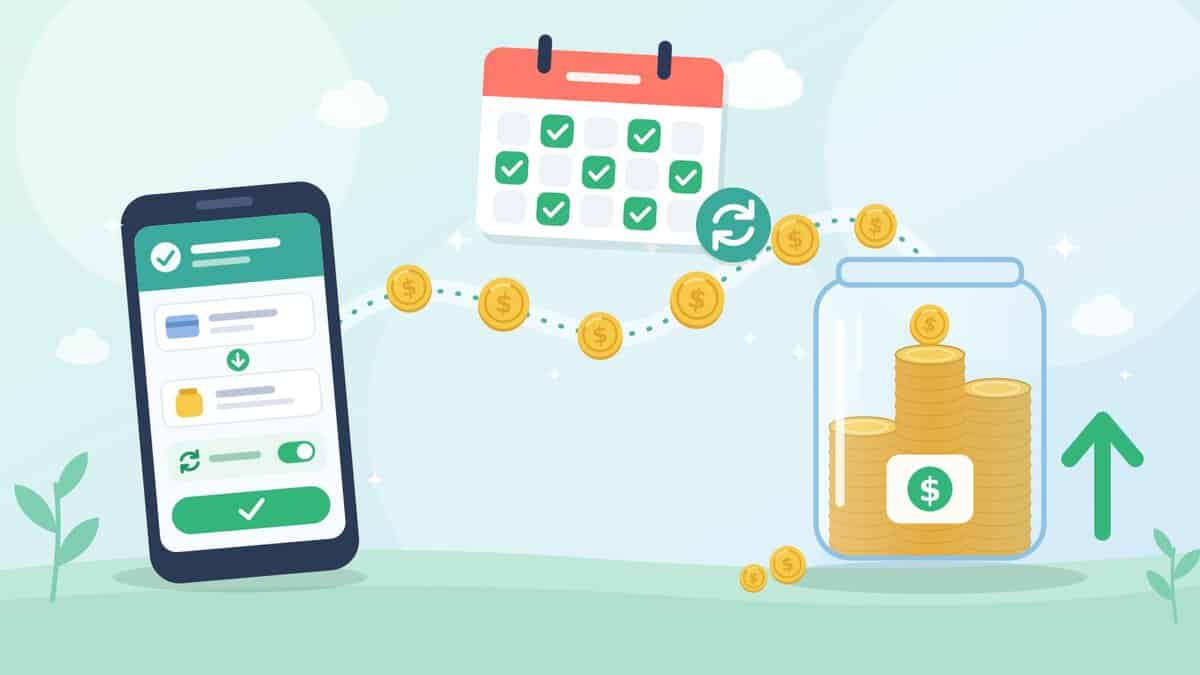
If you have been promising yourself you will start saving “next paycheck” for what feels like forever, this is the one habit that will end the cycle. An automatic savings transfer takes about 10 minutes to set up, and once it is running, your savings grow whether you are paying attention or not.
What Is an Automatic Savings Transfer?
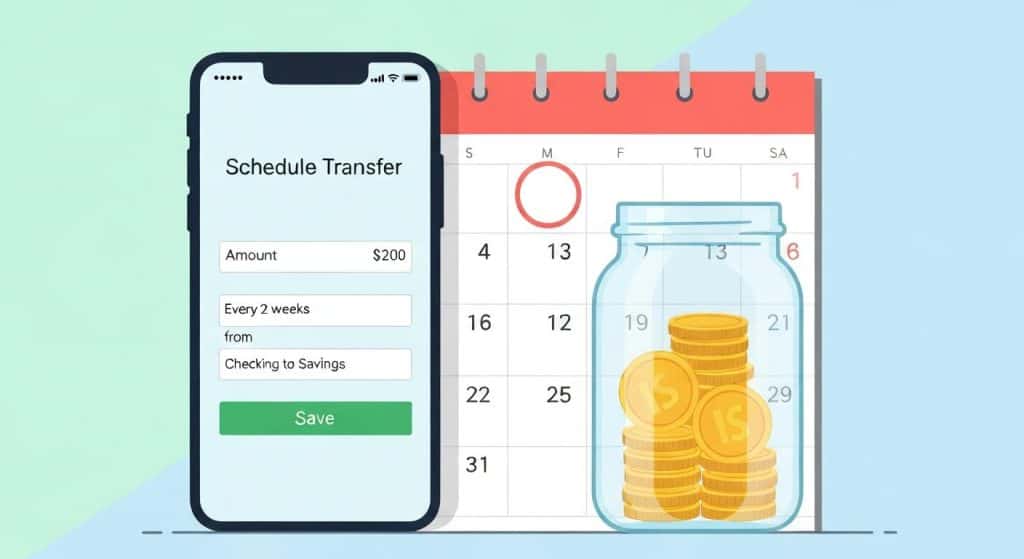
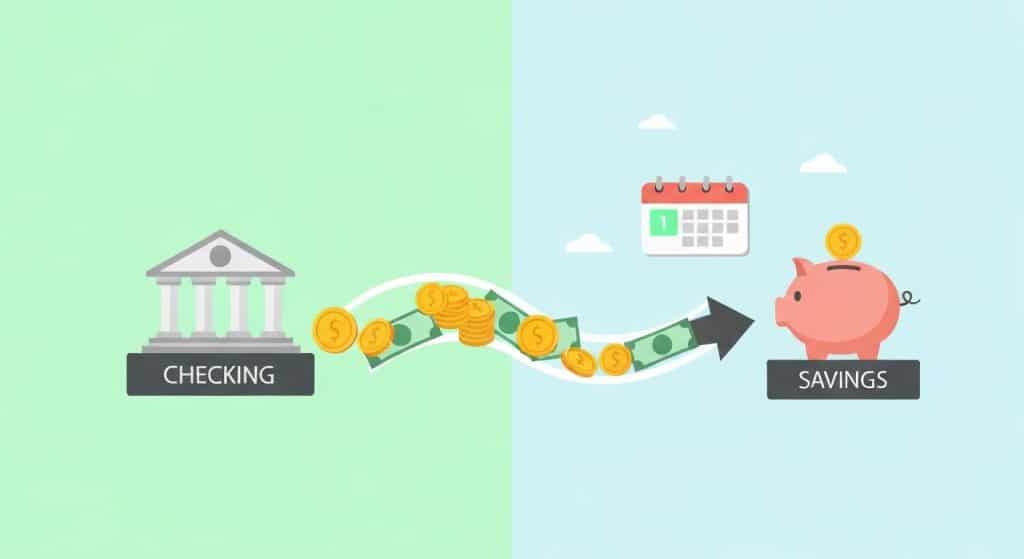
An automatic savings transfer is a scheduled, recurring move of money from your checking account into a savings account, usually triggered the day after payday. You set the amount and frequency once inside your bank or a savings app, and the transfer happens on its own from then on, no clicking required.
That is the whole thing. It is not an app you have to open. It is not a habit you have to remember. It is one form you fill out, one time, and then your bank quietly does the work in the background every two weeks (or every month, or every Friday, whatever you pick).
This is the engine behind almost every smart saving system you have heard about, including the pay yourself first strategy and the sinking fund system. All of those approaches rely on the same core move: a real, repeating, automatic savings transfer that runs without you.
An automatic savings transfer is just a recurring bank transfer you set up once, and it removes “remembering to save” from your job description forever.
Why Automatic Transfers Work When Willpower Doesn’t
Most savings advice fails because it assumes you will be disciplined every single payday, forever. You will not. I will not. Nobody will. That is not a personal failing; that is just how human brains are built.
An automatic savings transfer works because it removes you from the equation entirely. The money moves while you are at work, or asleep, or scrolling your phone on the couch. You never see it sitting in checking, so you never get the chance to spend it. Behavioral economists call this “friction reduction,” and it shows up over and over in the Consumer Financial Protection Bureau’s savings research as the single biggest predictor of whether people actually build savings.
Here is what changed for me once I set up my first automatic savings transfer:
- I stopped checking my savings balance every week, because I knew it was growing on its own.
- I spent a little less on random stuff, because my checking balance looked leaner and I naturally adjusted.
- I stopped feeling guilty when I treated myself, because my savings goal was already handled before I saw the money.
Willpower is a finite battery, but an automatic savings transfer never gets tired, never has a bad day, and never forgets.
How Much Should You Auto-Transfer Each Paycheck?
The number you hear most often is 10 to 20 percent of your take-home pay. That range shows up in FDIC Money Smart savings guidance and in most major banks’ default recommendations. It is a solid long-term target.
But here is the honest answer. The right amount is the amount you can keep without canceling next month. A $200 automatic savings transfer you reverse on day 15 is worse than a $25 one you never touch.
Here is a starter guide:
- Living paycheck to paycheck: Start at $25 per paycheck or 1 to 3 percent. The point is to prove to yourself the habit works. You can raise it later.
- You have a small buffer: Aim for 10 percent of each paycheck. This is the sweet spot for most beginners and lines up with the 50/30/20 rule savings target.
- Debt-free and ready to push: Try 15 to 20 percent. This is where real wealth-building starts to compound.
A small automatic savings transfer that runs every payday beats a big one that gets canceled. Start where you can stick, raise it over time.
A good move is to start small and increase the automatic savings transfer by 1 percent every time you get a raise. You will not feel the bump, and your savings rate will climb without any extra effort.
How to Set Up an Automatic Savings Transfer in 5 Steps
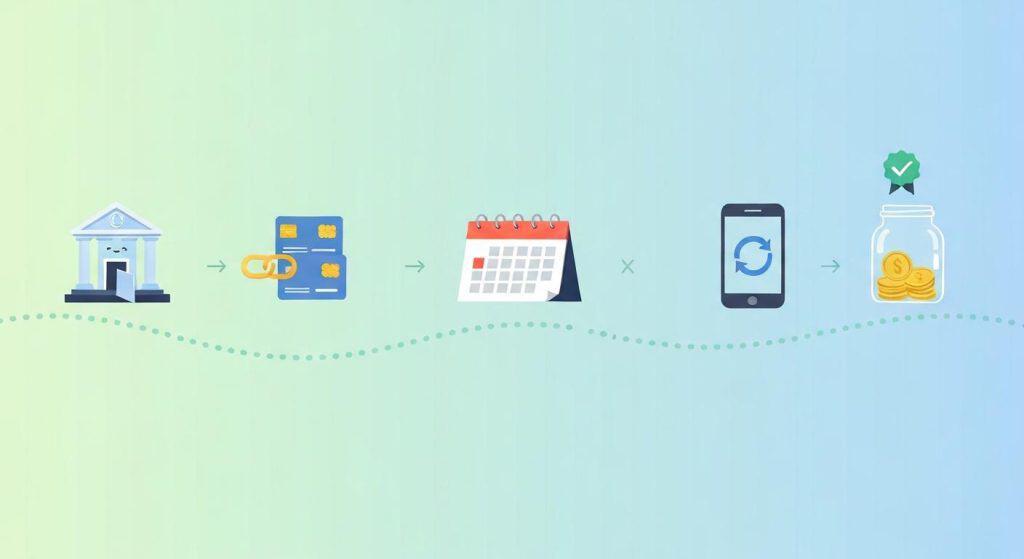
This is the part people overcomplicate. It is genuinely a 10-minute setup. Here is the exact playbook I use.
- Open a savings account that is separate from your checking. A high-yield savings account at an online bank earns more interest and adds a tiny bit of friction (the money is harder to grab on impulse).
- Link your checking account to the new savings account. You will enter your routing and account numbers once. Most banks verify with two small test deposits over 1 to 2 business days.
- Decide the amount and frequency of your automatic savings transfer. Match it to your paycheck schedule. If you get paid every other Friday, schedule the transfer for the following Saturday or Monday.
- Set the transfer to “recurring,” not “one-time.” This is the step people skip. A one-time transfer is just a manual transfer with a delay. A recurring transfer is the actual automation.
- Wait one full cycle and confirm it landed. Check your savings balance the day after the first scheduled transfer. If it cleared, you are done. If something went wrong (wrong account, wrong day, insufficient funds), fix it now before you set it and forget it.
Open the account, link it, pick the amount, pick “recurring,” and verify the first transfer. That is the whole HowTo.
Where to Send the Money: HYSA vs Regular Savings vs Sinking Funds
Where your automatic savings transfer lands matters almost as much as the fact that it runs. Most people default to “the savings account I already had with my checking bank,” which usually pays close to nothing in interest.
Here is a quick comparison:
|
Destination |
Typical APY |
Access |
Best Use |
|---|---|---|---|
|
High-yield savings account (HYSA) |
3.5 – 4.35%+ |
1 to 3 business day transfer back to checking |
Emergency fund, big goals, default destination |
|
Regular savings at your main bank |
0.01% to 0.50% |
Instant transfer to checking |
Short-term parking only, not recommended for long savings |
|
Sinking fund sub-accounts |
Matches HYSA if held at one |
Same as the parent account |
Goal-specific saving (car, vacation, holidays) |
The best default destination is a high-yield savings account. The yield is real money. At 4 percent APY, a $200 per paycheck automatic savings transfer turns into roughly $5,300 after the first year, with about $100 of that coming from interest you did not have to do anything to earn.
If you are saving for multiple goals at once, the cleanest move is to use common sinking fund categories and split your automatic savings transfer into a few sub-accounts. Most HYSAs let you create “buckets” or “spaces” for free.
Send your automatic savings transfer into a high-yield account, not the near-zero account attached to your checking bank.
The 4 Ways to Automate Savings
There is more than one way to run an automatic savings transfer. Most people only know about option 1, but options 2 through 4 can stack on top of it.
- Recurring bank transfer. The classic. You schedule a transfer from checking to savings inside your bank’s app. This is the version everyone should set up first.
- Direct deposit split. Ask your employer (or HR portal) to send a fixed dollar amount of every paycheck straight to your savings account, before it ever touches checking. This is the most powerful version because the money never sits anywhere you might spend it.
- Round-up savings apps. Apps that round every debit card purchase up to the next dollar and move the change into savings. A $4.30 coffee triggers a 70-cent automatic savings transfer.
- Goal-based savings apps. Apps that analyze your checking account and pull small, “safe to save” amounts automatically. They are smarter than a fixed transfer because they pause when your balance is low.
You can absolutely run all four at once. I do. My main recurring bank transfer handles the big monthly chunk, my paycheck split sends $50 directly into my emergency fund, and a round-up app picks up the spare change in the background.
The recurring bank transfer is the foundation, but stacking a direct deposit split and a round-up app on top quietly multiplies your savings rate.
Common Mistakes That Kill Automatic Savings
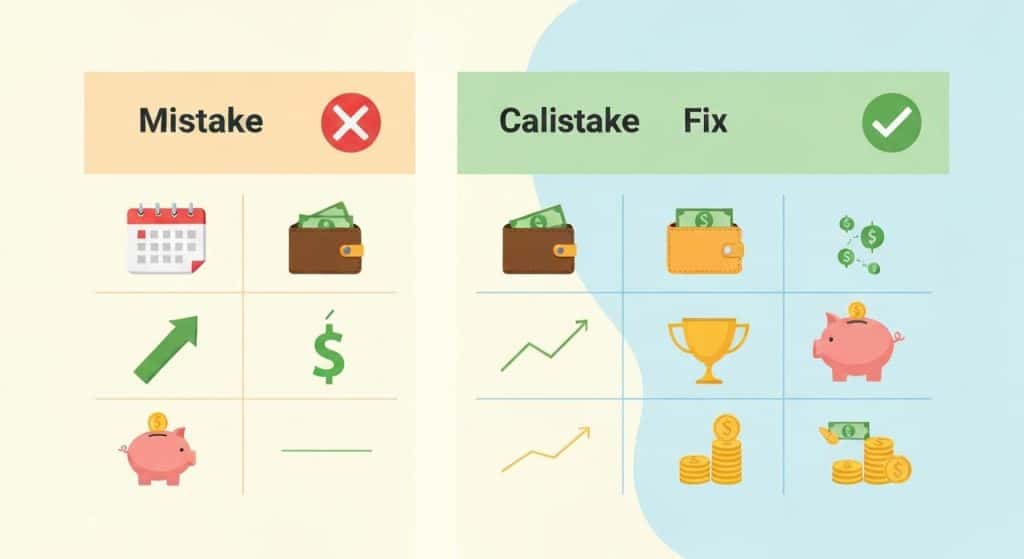
I have made every one of these. Save yourself the trouble.
- Scheduling the transfer on payday itself. If your paycheck deposits at 9:00 a.m. and your automatic savings transfer fires at 6:00 a.m., the transfer will fail or overdraft you. Always schedule for the day after payday.
- Transferring too much, too soon. The fastest way to kill the habit is to set an amount that forces you to reverse it. Start small. Raise it later.
- Not leaving a buffer in checking. Keep at least one full month of fixed bills in checking as a cushion. Your automatic savings transfer should never be the reason a bill bounces.
- Routing the transfer to your main bank’s regular savings. Near-zero interest. You did the work of automating; do not let it grow at 0.01 percent.
- Setting it up and never raising it. Inflation, raises, and life all happen. A transfer that was 10 percent of your income in 2024 might be 6 percent today. Review once a year.
- Treating savings as the overflow. If you only transfer “what is left over” at the end of the month, that is not an automatic savings transfer, that is wishful thinking. The whole point is to take it off the top.
The system fails when you make the automatic savings transfer fragile. Schedule it after payday, leave a buffer, raise it slowly, and never route it to a 0.01 percent account.
Best Tools for Automatic Savings Transfers
You do not need every tool on this list. You need the first one, and maybe one of the other two.
- The bank that holds your high-yield savings account. This is where your core automatic savings transfer lives. Look for an account with no minimum balance, no monthly fee, a competitive APY, and the option to create sub-accounts or “spaces” for sinking funds.
- A round-up savings app. Useful if you want a second, painless layer of savings on top of your main transfer. The amounts are small but they add up to roughly $30 to $50 a month for most users.
- A budgeting app with auto-save features. A budgeting tool that watches your checking account and pulls “safe to save” amounts automatically. Helpful if your income is irregular and a fixed automatic savings transfer feels risky.
If you are starting from zero, the highest-leverage move is to open the HYSA and set up the recurring transfer. Everything else is bonus.
The tool that matters most is the high-yield account that receives the transfer. Add a round-up or auto-save app only after the core automatic savings transfer is running.
Final Thoughts
For years, my savings plan was a sticky note on my laptop and a phone reminder I ignored. The single biggest shift in my finances was not a fancy budget, not a side hustle, not even a raise. It was setting up one automatic savings transfer and walking away.
You do not need to feel ready. You do not need a perfect amount. You just need the transfer to be real, recurring, and pointed at the right account.
Start with just one automatic savings transfer this Friday. Open a high-yield account, link your checking, pick an amount you will not panic over, set it to recurring, and let your savings grow without you. That is the whole strategy.
Frequently Asked Questions (FAQ)
How do I set up an automatic transfer to savings?

Log into your bank’s app or website, find the “transfers” or “move money” section, choose “schedule a transfer,” select your checking account as the source and your savings account as the destination, enter the amount, set the frequency to recurring, and pick a date that falls the day after your paycheck deposits. Save it and confirm the first transfer clears on schedule.
How much should I automatically transfer to savings each paycheck?
Aim for 10 to 20 percent of your take-home pay if you can, but start at whatever amount you know you will not reverse. For most beginners, $25 to $100 per paycheck is a realistic starting point. You can raise the automatic savings transfer by 1 percent every time you get a raise.
What is the best high-yield savings account for automatic transfers?

Look for an HYSA with a competitive APY (4 percent or higher [VERIFY: current rate environment]), no monthly fees, no minimum balance, fast transfer times, and the option to create sub-accounts for sinking funds. The bank with the highest rate this year may not have the highest next year, so check current numbers before opening.
Is it better to auto-transfer the day of payday or the day after?

Always the day after. If your paycheck does not post early enough, a same-day automatic savings transfer can overdraft your account or fail outright. Setting it for one business day after payday gives the deposit time to clear and removes the timing risk.
What happens if my automatic savings transfer overdrafts my account?

Your bank will either decline the transfer or charge you an overdraft fee, depending on the account. To prevent this, keep at least one month of fixed bills as a buffer in checking and schedule the transfer for the day after payday. If a transfer fails, your bank will usually retry it the next business day.